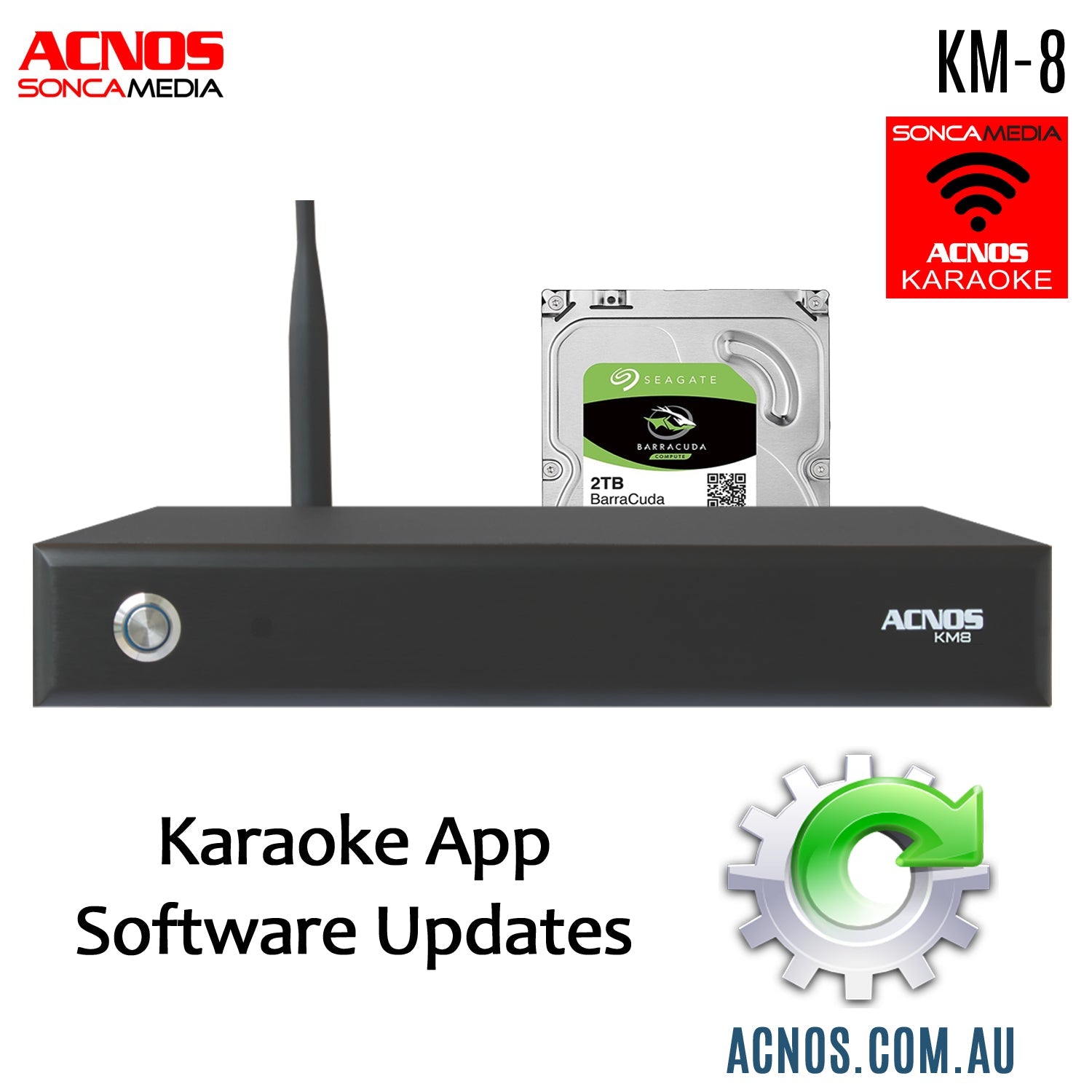
Factory Android App Updates
Acnos KM-8 Vietnamese Karaoke Hard Drive System
These factory software updates are Android (.apk) apps designed only for the Acnos KM-8 Vietnamese Hard Drive System.
Important Notes Before You Start
-
The .apk files must be unzipped before installation.
-
The apps are to be installed directly on the KM-8.
-
Once downloaded, copy the unzipped files to a USB memory stick, then insert the USB into the KM-8 to perform the update.
-
You will need a USB mouse connected to the KM-8 to complete the installation.
-
Please follow the video on this page for a step-by-step guide on how to perform the update.
-
Always check the version numbers listed in the file names below.
KM-8 App Versions
🎤 Karaoke App
KaraokeKM8_v2.7.3.0.apk
Release date: 16/01/2026
KM-8 unit's purchased from 16.1.2026 have already been firmware updated, prior to shipping.
Installation instructions:
-
Uninstall the older version of the KaraokeKM8 app first.
-
Install the new version 2.7.3.0.
-
Power OFF the KM-8.
-
Power the unit ON again to fully reset the software.
-
If you are using a companion app on a phone or tablet, fully close the app and then reopen it.
🔄 Other Apps
The following apps only need to be updated if the version numbers on your system are older.
- Install directly after unzipping the file.
-
boba_1.58.148.apk
-
com.nct.tablet_2.0.0.apk
-
FPT Play_v3.0.5.apk
-
LauncherAppMP4-v1.1.2.apk
-
MP4CaiLuong-v1.0.8.apk
-
MP4CaNhac-v1.0.8.apk
-
Mp4GameShows-v1.0.8.apk
-
MP4GiaiTri-v1.0.8.apk
-
MP4Hai-v1.0.8.apk
-
VTV Go for Smart TV_v1.3.13.apk
-
YouTube_TV_2.07.02.apk
-
Zing TV_v2.1.3_apkpure.com.apk