
I get this question often:
“Can I Bluetooth from my phone or tablet to a KBEATBOX karaoke speaker and still display the video lyrics on my TV?”
This usually comes up when someone doesn’t have an internet-enabled Smart TV.
Good news — there’s an easy workaround.
Use Your Phone or Tablet as the Karaoke Source
Yes, you can absolutely use your phone or tablet to play karaoke songs using:
-
YouTube
-
Karaoke streaming apps (just search “karaoke” in the Apple App Store or Google Play)
Most apps offer a free mode, but like YouTube, they often include ads — which can be a bit of a buzzkill during a party, so most people choose a subscription option.
Some Popular Karaoke Apps include: KaraFun, Singa, Sunfly, StarMaker and Smule.
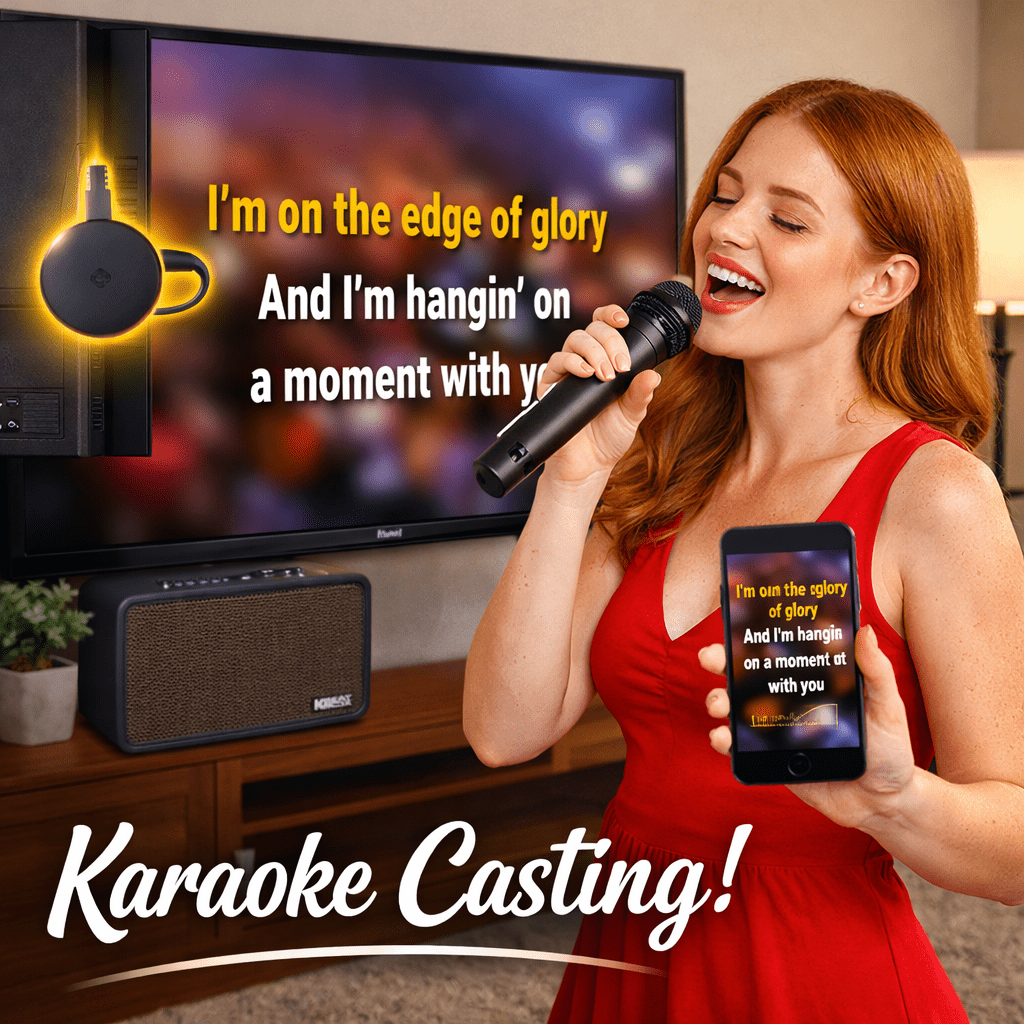
The Simple Solution: Chromecast
To get both video on your TV and sound through your KBEATBOX, you’ll need a Chromecast device.
Chromecast:
-
Plugs into a spare HDMI port on your TV
-
Pairs wirelessly with your phone or tablet
-
Sends everything you see and hear on your device to the TV
-
Lets your phone or tablet act as the control panel for song selection

Connecting the Sound to Your KBEATBOX
Next, you’ll need a KBEATBOX karaoke powered speaker system.
All current KBEATBOX models — including the entry-level CS-200PU-V3 — feature an optical audio input.

Almost every TV made in the last 10+ years also has an optical audio output.
What you’ll need:
-
An optical audio cable (we stock a handy 5-metre version from Ultra Connect)
Setup steps:
-
Connect the optical cable from your TV to your KBEATBOX
-
Go to your TV’s sound settings
-
Change the audio output from TV speakers to Optical Audio (PCM)
-
This disables the TV’s internal speakers
-
-
On your KBEATBOX, press the MODE button until OPTICAL is selected
How It All Works Together
-
Your phone or tablet selects the songs
-
The TV displays the video lyrics
-
The sound plays through your KBEATBOX
-
You can use the wireless microphones and built-in vocal & music controls for the perfect mix
Using a Laptop Instead?
That works too.
You can:
-
Connect your laptop to the TV via HDMI, then use the TV’s optical output to the KBEATBOX
or -
Run a 3.5mm Line to Line cable from the laptop’s headphone jack directly into the KBEATBOX AUX (Line In) and select LINE input mode
Can Any Powered Speaker Do This?
Probably not.
Most party speakers do not include an optical audio input, which limits TV connectivity.
KBEATBOX Karaoke Powered Speakers are designed with every connection point needed for karaoke, which is why they’re market leaders in this space. Plus with the on-board Music and Vocal Mixers along with 2 Wireless Microphones as standard, nothing comes close.
Don’t Have Optical Input? There’s Still a Fix
We also sell a Digital-to-Analogue Converter (DAC) that:
-
Converts your TV’s optical output
-
Allows connection to a speaker via AUX (Line In)
It achieves the same end result — karaoke sound through your speaker.

I hope this helps you get singing without needing a Smart TV.
Happy singing! 🎶
Tim
Oh — one more thing I almost forgot.

If you want the simplest all-in-one solution, KBEATBOX has you covered with the Hi-NET450 GEN 2.
This model runs an Android operating system, just like a phone or tablet, and connects directly to your LAN or Wi-Fi for full internet access. That means you can use popular karaoke apps, YouTube, and streaming services without needing a phone, tablet, Chromecast, or laptop.
Even better, it includes a voice-controlled remote, making it easy to search and select songs from the comfort of your couch.
Connection is simple:
-
HDMI from the Hi-NET450 GEN 2 to your TV
-
Audio plays through the built-in KBEATBOX karaoke system
👉 Everything you need.
👉 One solution.
👉 No workarounds.
WOW 👉 Discover more or shop now: www.khe.com.au/hinet450gen2